8 creative themed typography tutorials for Adobe Illustrator and Photoshop
These ideas are all about playful, visual typography projects where the letters become part of the illustration.
They suit designers who want hands-on software tutorials, especially for experimenting with object-based type, themed word art, and poster-style effects.
-
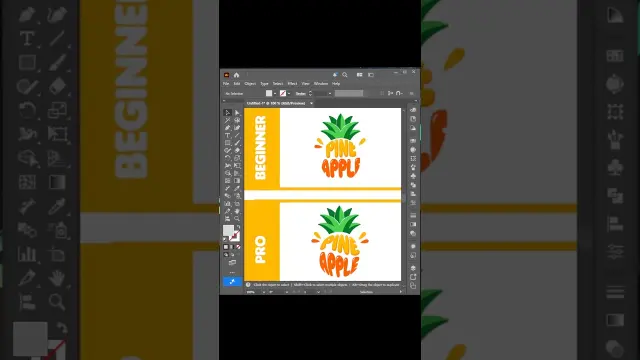 1
How to Create Creative Fruit Typography in Adobe Illustrator
A step-by-step Illustrator tutorial for making creative fruit-themed typography artwork.
-
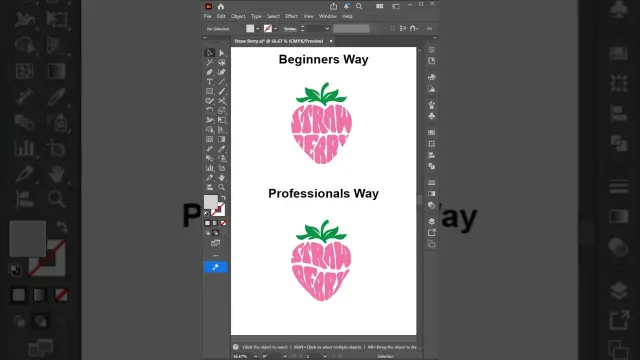 2
Pro Designer Trick for Strawberry Typography in Illustrator
This quick Illustrator trick is specifically about building strawberry-themed vector typography.
-
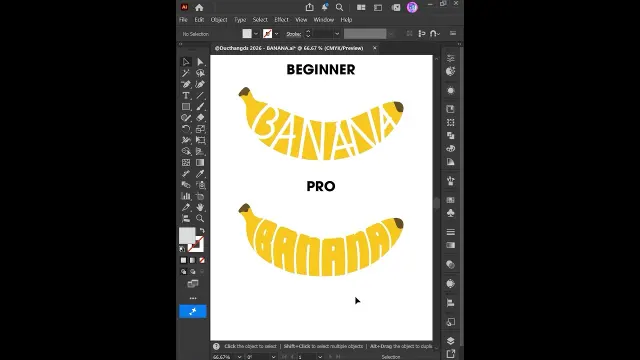 3
Pro Techniques for Creating Banana Typography in Illustrator
A professional Illustrator guide for creating banana-shaped typography with a clean vector workflow.
-
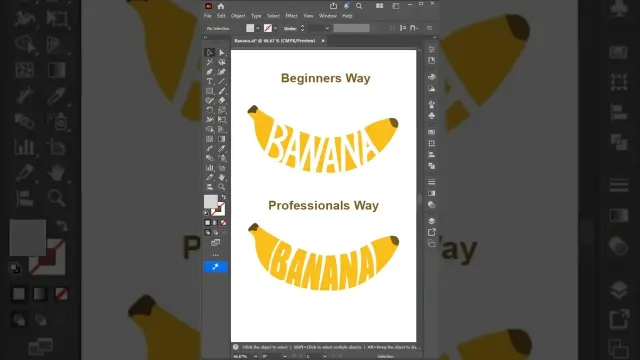 4
The Best Way to Create Banana Typography in Photoshop
This Photoshop tutorial shows how to create banana typography artwork with realistic styling.
-
 5
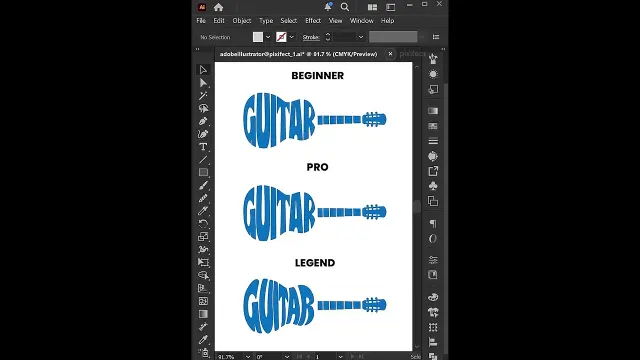
Creating Guitar Shaped Text Using Top Object in Illustrator
It teaches how to shape typography into a guitar silhouette, making it a strong themed lettering project.
-
 6
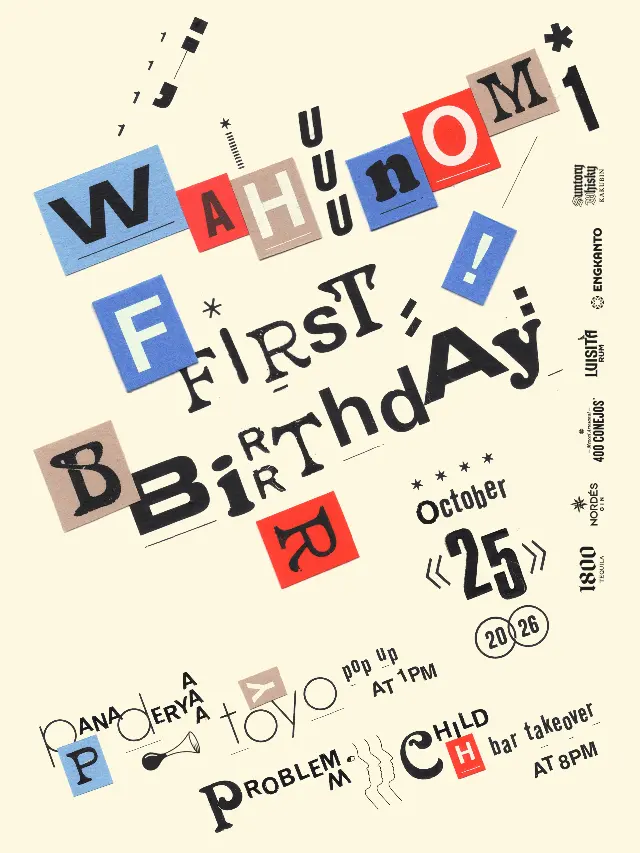
Analog Birthday Poster Created Using Transfer Type
An analog birthday poster made with transfer type, which fits the handmade display-typography angle.
-
 7
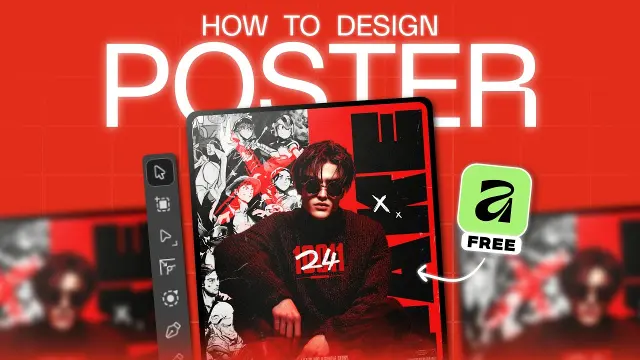
Step-by-Step Poster Design Tutorial in Affinity
This poster design tutorial includes typography and layout work, making it useful for display-focused projects.
-
 8
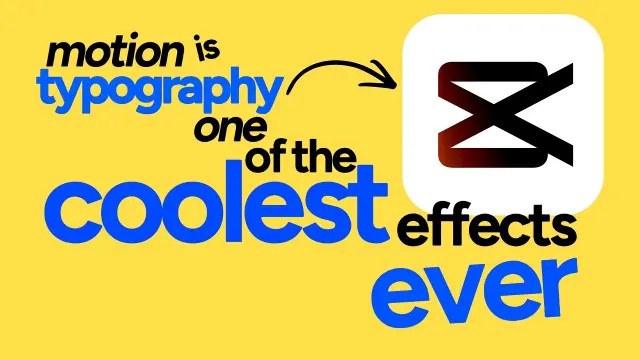
Smooth Motion Typography Animation Tutorial in CapCut
A kinetic typography tutorial that adds motion and animation to creative text projects.
More #Typography ideas
Picked and written by Tagrazzi; the videos and photos belong to their creators.