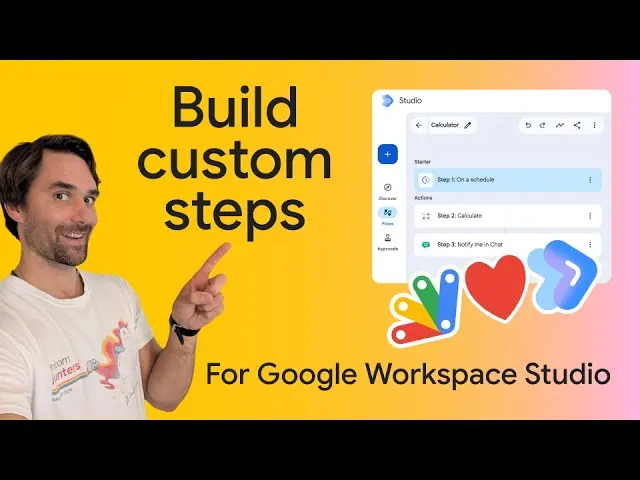
Building Custom Steps for Workspace Studio Using Add-On Framework
Learn how to extend Workspace Studio by building your own custom steps using the Google Workspace add-on framework.
YouTube · Google Workspace Developers · 25 September 2026 Watch on YouTube
Tried this idea? Show how yours turned out.
I made thisHow to do it
What you need
- Google Workspace add-on framework
- Workspace Studio
- Code sample from the developer documentation
- onConfigFunction
- onExecuteFunction
- Input and output variables
- Step configuration UI
Step by step
- Learn how steps work in Workspace Studio
- Create a custom step in the add-on framework
- Implement the onConfigFunction to define the step's configuration
- Implement the onExecuteFunction to run the step's logic
- Pass data between steps using variables
- Wire your configuration UI to the input variables
- Define the output variables the step returns
- Test your custom step in Workspace Studio
Tips
- Start from the code sample in the Workspace add-on developer documentation rather than building the step from scratch
- Treat the config function and the execute function as separate jobs: one collects the inputs, the other performs the work
- Build a small example step first, like the arithmetic one shown, to check that your variables flow correctly before testing in Studio
Written by Tagrazzi from the original's description and photo.
The title and summary are written by Tagrazzi; the video belongs to its creator and plays from YouTube.





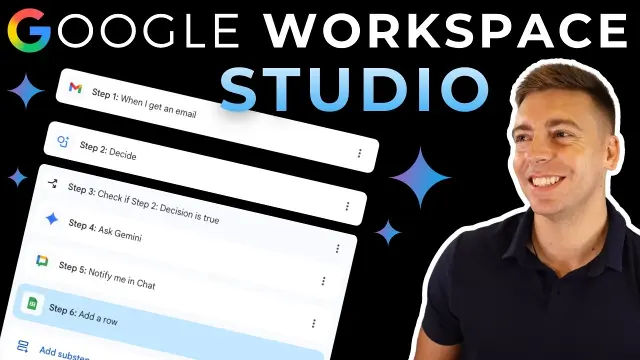
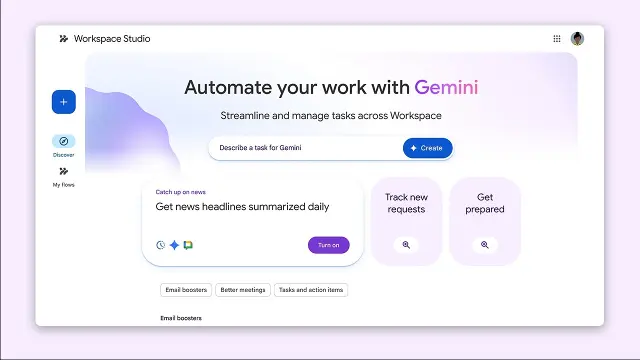





Comments (0)
No comments yet. Be the first to comment.
Sign in to write a comment.