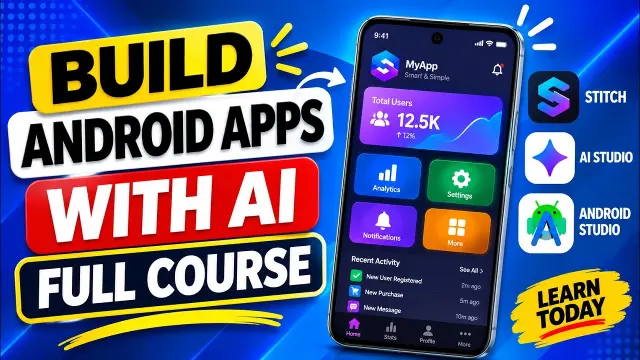
 Beginner Course on Building an Android App with AI Tools
#Mobile Apps
6 ideas
Beginner Course on Building an Android App with AI Tools
 Step by Step Tutorial on Designing and Building a Mobile App
 Updated Design Process for Web Mobile Apps and UI UX in 2026
 Beginner Guide to Mobile App User Interface Design Fundamentals
 How to Quickly Design an App User Interface Using Artificial Intelligence
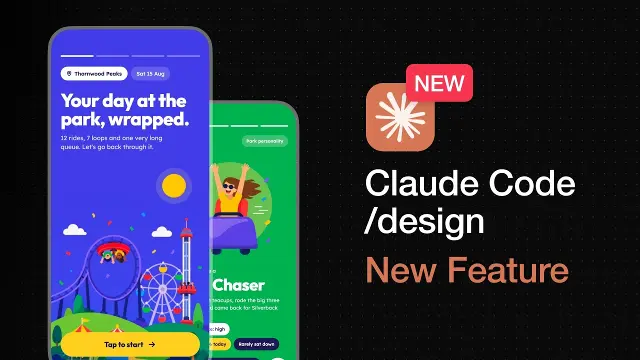 Designing a Mobile Application Interface From Scratch Using AI Tools
Get new #Mobile Apps ideas by email
Every Thursday: the week's best ideas, with the newest from #Mobile Apps.
Related tags
Mobile Apps: A Beginner-Friendly Guide
What mobile apps are
Mobile apps are software programs designed to run on smartphones and tablets. They help you do everyday things such as message people, shop, plan travel, edit photos, learn new skills, or manage work. Because they are built for small screens and touch use, mobile apps are usually simpler and more focused than desktop software.
The idea of mobile apps grew alongside smartphones, which turned the phone into a personal tool for communication, entertainment, and organization. Today, apps are used in almost every part of daily life, from banking and navigation to fitness, reading, and creative work.
Main types of mobile apps
Read more
There are several broad kinds of mobile apps.
- Native apps are made for a specific mobile operating system and usually feel very smooth and responsive.
- Web apps run in a browser but are designed to look and behave like apps on a phone.
- Hybrid apps combine elements of both approaches and are often used to reach more than one platform.
Apps can also be grouped by purpose:
- Utility apps help with practical tasks.
- Social and communication apps connect people.
- Creative apps support photo, video, drawing, or writing work.
- Lifestyle apps cover areas like shopping, wellbeing, home, travel, and planning.
What makes a good mobile app
A good mobile app is easy to understand, quick to use, and pleasant to navigate. The best apps usually have one clear purpose and keep the most important actions easy to find.
A few qualities matter most:
- Simple navigation
- Clear text and icons
- Fast loading and smooth transitions
- Touch-friendly buttons and controls
- Consistent layout and visual style
- Good readability on a small screen
Since mobile screens are limited, every element needs to earn its place. Too many options at once can make an app feel crowded and confusing.
Design basics to know
If you are designing a mobile app, start with the user’s main goal. What do they need to do first, second, and third? That thinking helps shape the structure of the app.
Useful design principles include:
- Put the most important tasks up front
- Keep forms short and easy to finish
- Use familiar patterns so people do not have to learn everything from scratch
- Leave enough space so controls are easy to tap
- Make the interface readable in different lighting conditions
Beginners often benefit from sketching simple screens before moving into detailed design. It is also helpful to test early versions with real people, because small screens expose confusion quickly.
Building and using apps well
When developing a mobile app, remember that people use phones in many situations: while walking, waiting, or multitasking. That means the experience should be forgiving and efficient. Helpful error messages, clear feedback, and easy undo options can make a big difference.
If you are using apps rather than making them, a good habit is to keep your phone organised. Too many apps can become distracting, so it helps to keep only the ones you actually use and update them regularly.
Mobile apps are meant to make life easier. Whether you are creating one or choosing one to use, the best approach is to focus on clarity, usefulness, and a simple experience that feels natural in the hand.
#Mobile Apps: frequently asked questions
How do I start designing a mobile app if I’m a beginner?
Start with the main thing the user needs to do, then sketch the key screens before worrying about visual details. Keeping the first version simple helps you see the flow clearly and makes it easier to test early.
What kind of mobile app should I choose for my project?
Choose the type that best fits your goal and audience. Native apps often feel very smooth, web apps are easier to access through a browser, and hybrid apps can help you reach more than one platform with a shared approach.
What makes a mobile app easy and pleasant to use?
A good app focuses on one clear purpose and keeps the important actions easy to find. Simple navigation, readable text, touch-friendly controls, and a clean layout all help the app feel natural on a small screen.
What are common mistakes to avoid when building a mobile app interface?
A common mistake is trying to fit too much onto one screen, which can make the app feel crowded and confusing. It also helps to avoid unclear labels, tiny tap targets, and forms that take too much effort to finish.
How should I keep mobile apps organized and useful on my phone?
Keep only the apps you actually use and group them in a way that makes sense for your routine. Updating them regularly and removing clutter helps the phone stay easier to navigate and less distracting.
Videos come from YouTube and posts from Instagram; titles and summaries are our own. All rights belong to their creators.