12 Figma tutorials for beginners learning UI and UX design
These ideas all start from the same place: someone new to interface design who wants a clear path through Figma rather than a pile of scattered tips. They move from big-picture learning roadmaps and full courses into the specific skills beginners get stuck on — auto layout, wireframes, and a first finished screen.
It suits self-taught designers, career switchers, and students who want to build a foundation in order: learn the tool, learn the layout thinking, then build something real you can show. No prior experience with design software is assumed anywhere in this set.
-
 1
UI and UX Designer Beginner Roadmap
A step-by-step roadmap built specifically for aspiring designers, covering fundamentals, Figma mastery, and AI tools in a sensible order.
-
 2
Learn Figma in Six Hours Full Course
A full course that takes you from beginner to confident designer by drilling core Figma tools, auto layout, and real projects.
-
 3
Complete Figma AI Course for Beginners
A comprehensive beginner course that pairs Figma basics for UX design with an introduction to AI integrations.
-
 4
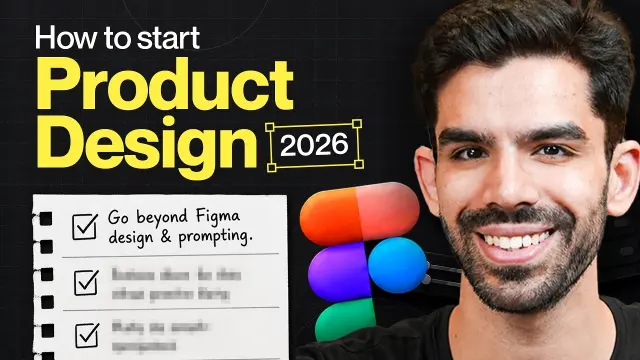
How to Start Learning Product Design From Scratch Today
An updated guide to learning interface design fundamentals from scratch while training your design eye in Figma.
-
 5
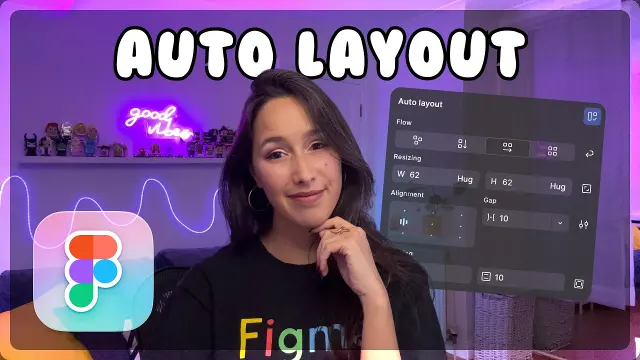
Figma Auto Layout Basics and Advanced Settings
Breaks down auto layout — gaps, alignment, padding, and responsive resizing — the setting beginners most often get wrong.
-
 6
Complete Beginner Guide to Mastering Wireframing in Figma
A thorough beginner walkthrough that covers everything needed to design professional-looking wireframes with confidence.
-
 7
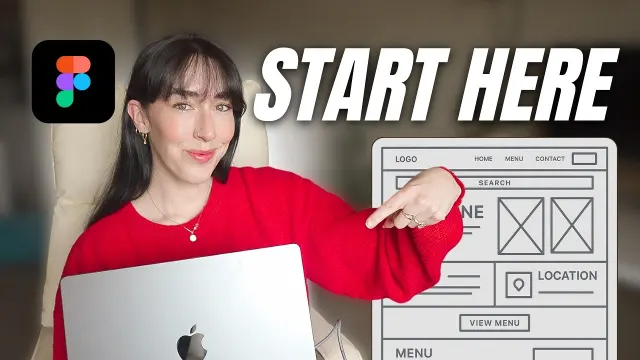
Beginner Guide to Creating Website Wireframes in Figma
A step-by-step tutorial on mapping layouts and structuring content, aimed squarely at people making their first website wireframe.
-
 8
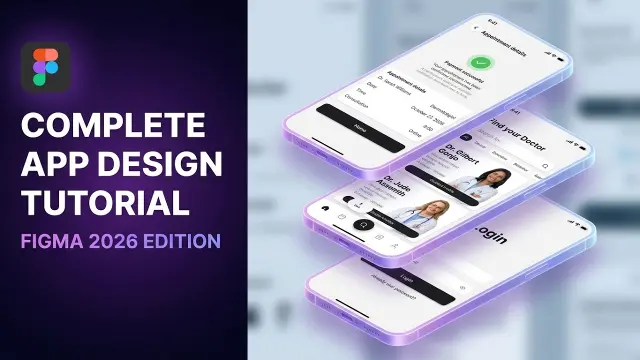
Design a Modern Mobile App From Scratch in Figma
A comprehensive tutorial that builds a complete modern mobile app interface from scratch, a solid first end-to-end project.
-
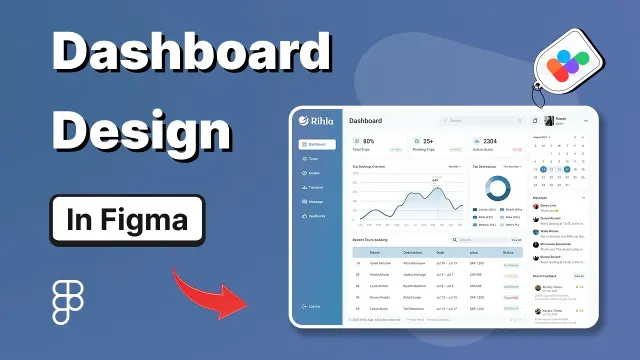 9
How to design a modern UI UX dashboard from scratch in Figma
A detailed walkthrough of a clean dashboard layout, useful for learning visual hierarchy on a realistic screen.
-
 10
Design an App in Figma in Four Minutes
A quick crash course designing a cooking app using auto layout and a design system, good for a first taste of a full screen.
-
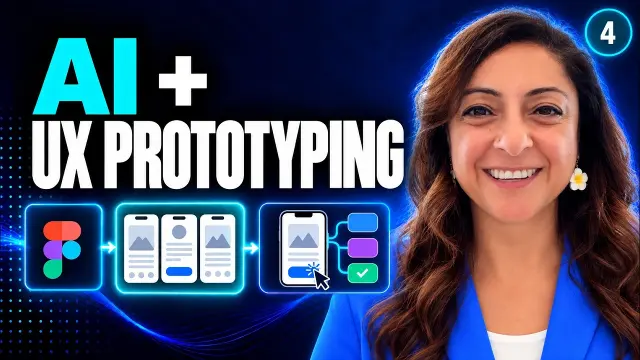 11
Turn a Figma Design Into an Interactive Prototype
Shows how to turn static appointment screens into a functional, testable prototype, the natural next step after a first design.
-
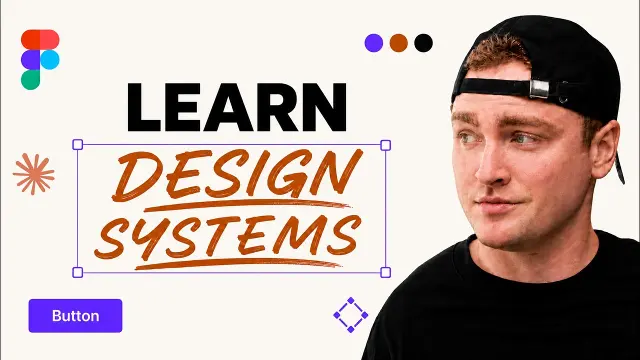 12
Learn Design Systems with Figma Variables and Components
Introduces Figma variables, components, and design tokens for building scalable systems once the basics are in place.
More #Figma ideas
Picked and written by Tagrazzi; the videos and photos belong to their creators.