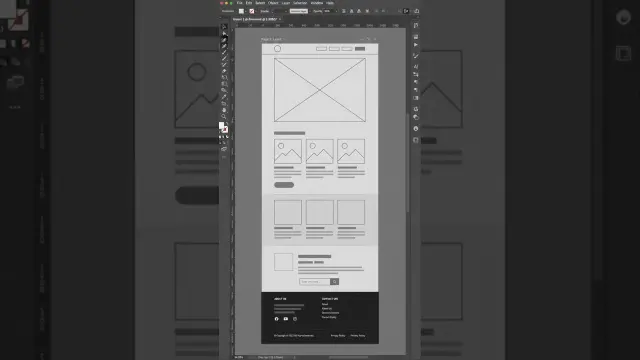
 Building a Professional Website Wireframe from Scratch
#UI Design
39 ideas
Building a Professional Website Wireframe from Scratch
 Improving Onboarding Design for Side Project Apps Into Prototypes
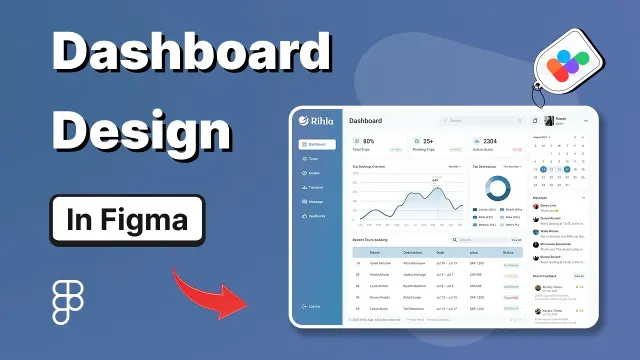 How to design a modern UI UX dashboard from scratch in Figma
 A Simple Beginner Roadmap to Learn Digital Product Design
 Guide to Running Effective Design Critiques That Ship
 Building an Interactive App Prototype Using AI and Figma
 Building a Specialized Design Team Using Artificial Intelligence Agents
 How to Quickly Design an App User Interface Using Artificial Intelligence
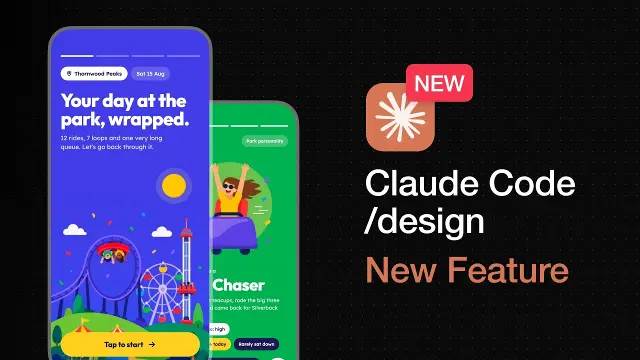 Designing a Mobile Application Interface From Scratch Using AI Tools
 How Top Designers Gather Design Inspiration and Critique
 Every Essential User Interface Concept Explained Clearly
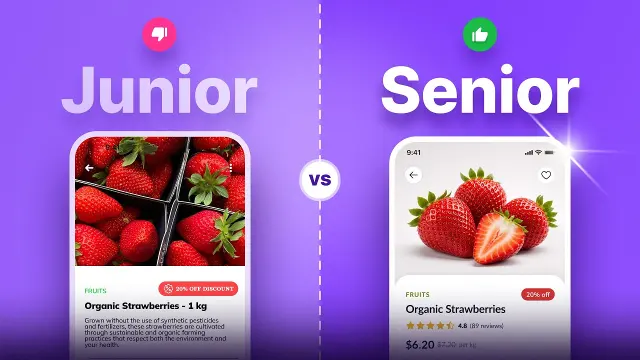 Transforming a Messy E-Commerce Page Into a Clean Interface
 Complete Guide to Using Artificial Intelligence for UI and UX Design Workflows
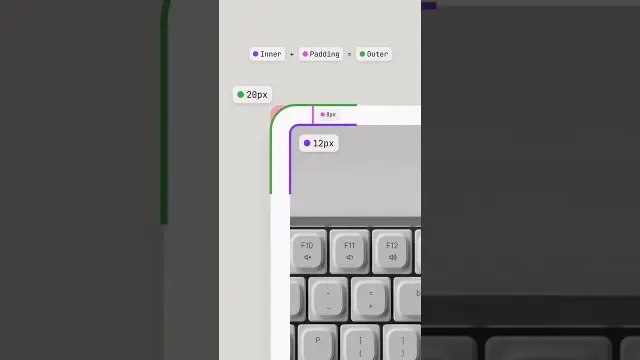 How to Calculate Balanced Corner Radiuses in Interfaces
 Data Proven Graphic Design Tools Designers Are Using
Get new #UI Design ideas by email
Every Thursday: the week's best ideas, with the newest from #UI Design.
Collections
Related tags
UI Design Guide: Principles, Elements, and Practice
What UI design is
UI design, or user interface design, is the craft of shaping how a digital product looks and feels as people use it. It covers the buttons, menus, forms, icons, spacing, colors, typography, and visual hierarchy that help someone move through a website, app, or software tool with confidence. Good UI design does more than make things attractive: it makes actions clear, reduces confusion, and supports a smooth experience.
UI design grew alongside computing as screens became a main way people interacted with information. Early interfaces were functional and text-heavy, while modern interfaces tend to be more visual, touch-friendly, and responsive across different devices. Even so, the goal has stayed the same: help people understand what they can do and how to do it.
Core parts of UI design
Read more
A strong interface usually combines a few key elements:
- Typography: readable text that creates order and guides attention
- Color: used to signal importance, create contrast, and support brand identity
- Layout: the arrangement of content and controls on the screen
- Icons and imagery: visual cues that can support understanding
- Buttons and controls: elements people click, tap, or drag
- Spacing: the empty space that keeps the interface clear and calm
These parts work together. If one is weak, the whole interface can feel confusing or hard to use.
Common styles and approaches
UI design can take many forms depending on the product and audience. Some interfaces are minimal and restrained, using very few visual elements. Others are more expressive and branded, with stronger color and imagery. Some systems follow a grid-based approach with consistent alignment, while others use card layouts, sidebars, or step-by-step flows.
You may also hear about design systems. These are collections of reusable rules and components that help keep a product consistent. They are especially useful when many screens or teams are involved, because they make the interface feel unified.
What makes UI work well
If you are starting out, focus on clarity before decoration. A good interface usually gives people a clear path and simple choices. Try to:
- Make the most important action easy to see
- Keep labels direct and familiar
- Use consistent patterns across screens
- Group related items together
- Leave enough space so the layout does not feel crowded
- Check contrast and text size so content is easy to read
It also helps to think about real behavior. People scan interfaces, make quick decisions, and often want to complete tasks with as little friction as possible. Every element should have a reason to be there.
Practical habits for beginners
Start by studying interfaces you already use. Notice what makes them easy to understand: the placement of buttons, the way forms are organized, or how visual emphasis guides your eye. Then practice by redesigning simple screens such as a login form, a dashboard, or a checkout flow.
As you work, test your design by asking a simple question: if someone sees this for the first time, can they tell what to do next? If the answer is not clear, simplify. UI design is often strongest when it feels almost invisible, because the interface lets the task take center stage.
Videos come from YouTube and posts from Instagram; titles and summaries are our own. All rights belong to their creators.