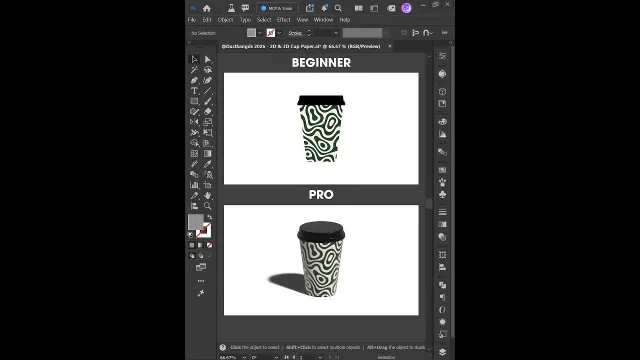
 Pro Tips for Designing Realistic Paper Cups in Illustrator
#Mockup
16 ideas
Pro Tips for Designing Realistic Paper Cups in Illustrator
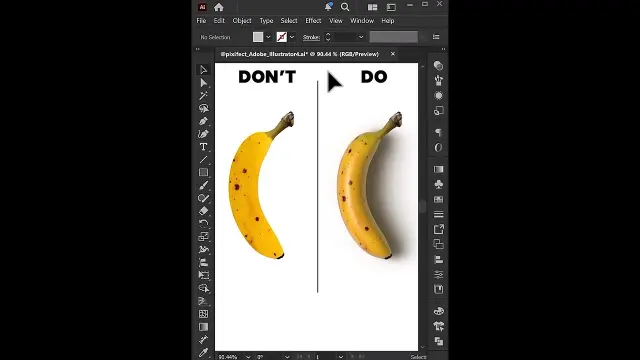 How to Create a Realistic Banana Mockup in Adobe Illustrator
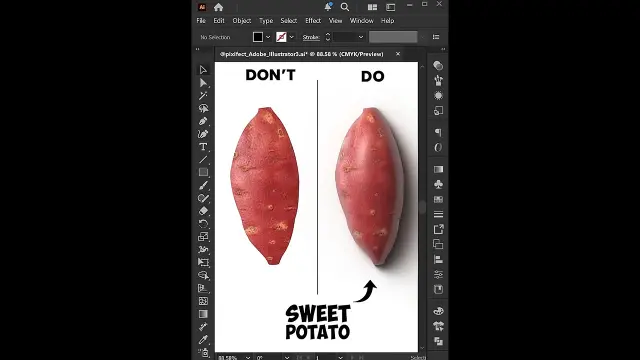 Designing a Realistic 3D Sweet Potato Mockup in Illustrator
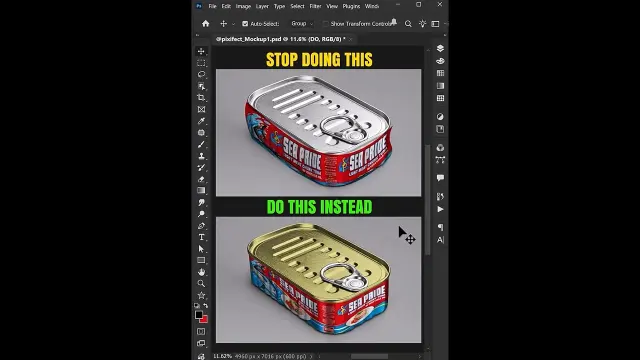 Transforming a Plain Can into a Realistic Mockup in Photoshop
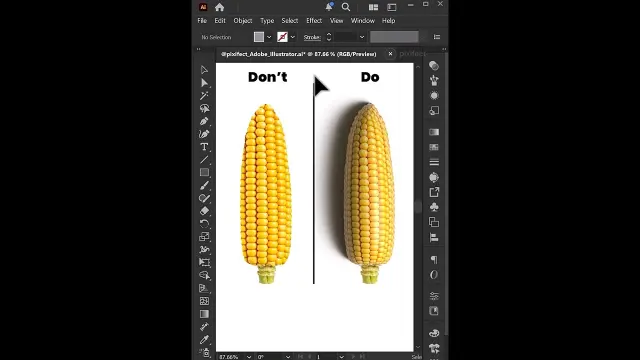 Creating a Realistic Corn Mockup in Adobe Illustrator
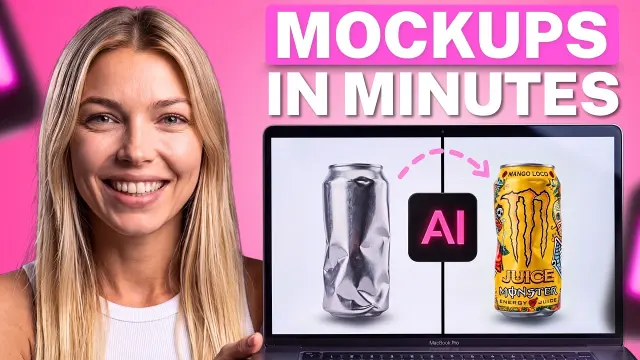 How to Make Product Mockups Using AI Without Photoshop
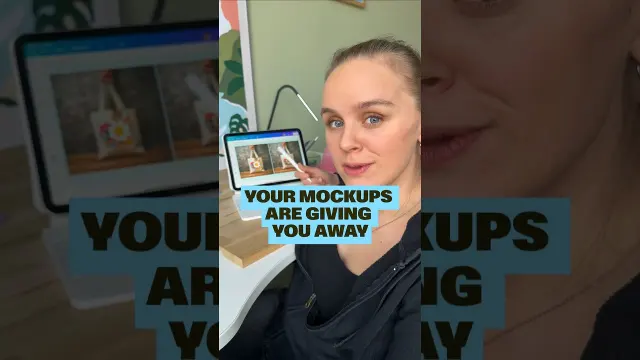 Simple Canva Hack for Creating Professional Product Mockups
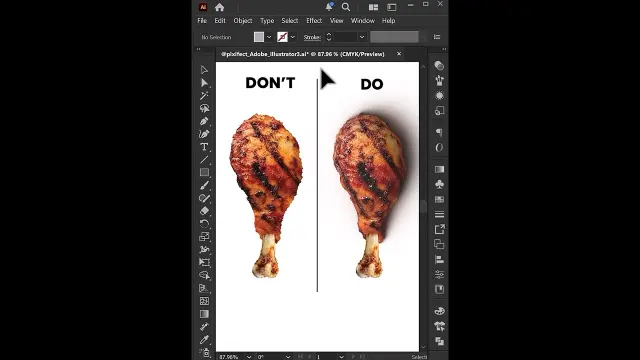 Designing a Realistic 3D Chicken Drumstick Mockup
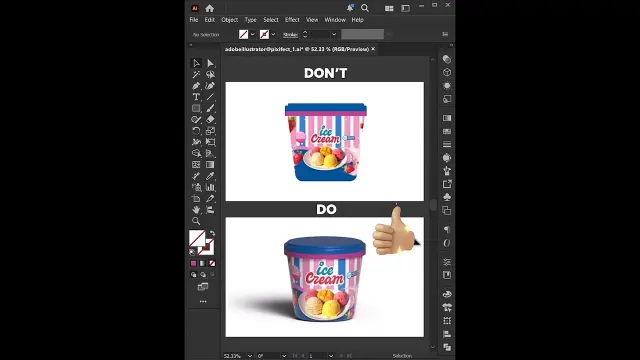 Creating a Realistic Plastic Container Mockup in Illustrator
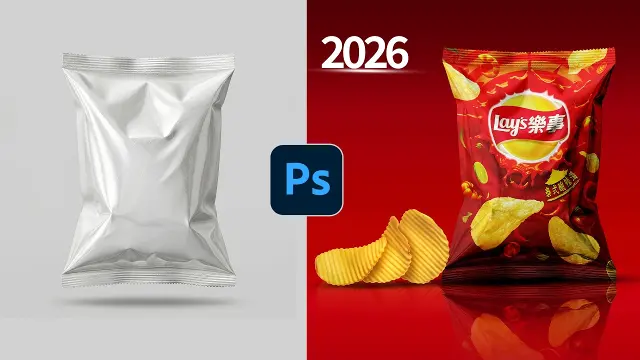 Easy Method for Designing Realistic Packaging Mockups in Photoshop
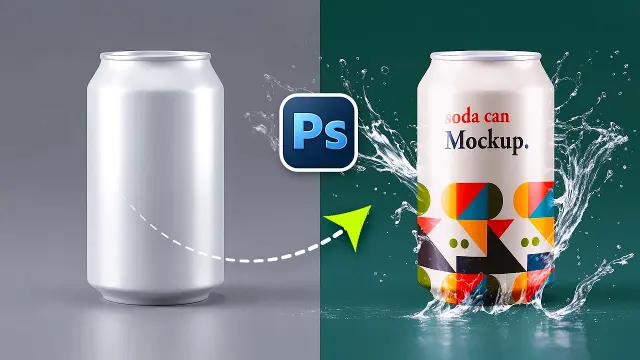 Beginner Guide: How to Create a Realistic Mockup in Photoshop
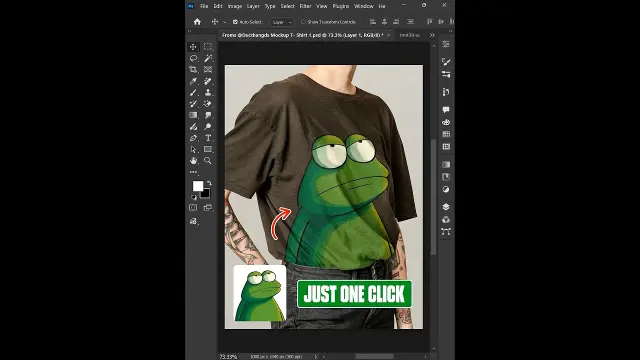 Using Photoshop AI Generative Fill to Create a T-Shirt Mockup
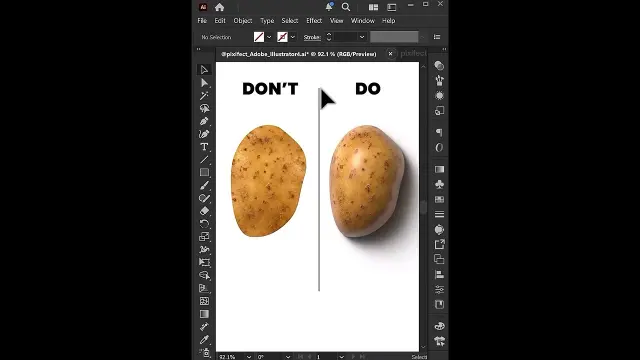 Creating a Realistic 3D Potato Mockup in Adobe Illustrator
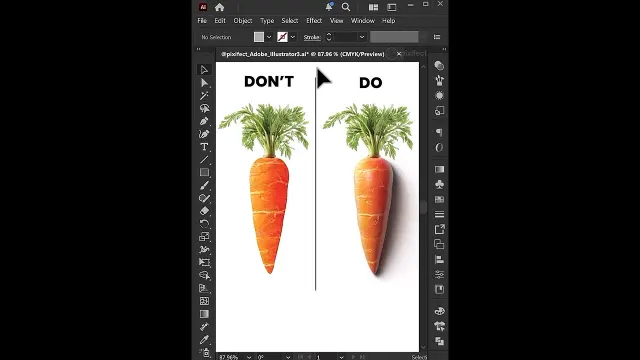 Creating a Realistic 3D Carrot Mockup in Illustrator
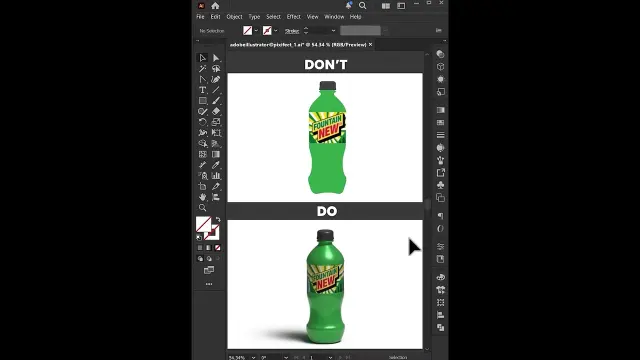 How to Design a Realistic Plastic Bottle Mockup in Illustrator
 Create Professional Product and Packaging Mockups in Photoshop
Get new #Mockup ideas by email
Every Thursday: the week's best ideas, with the newest from #Mockup.
Collections
Related tags
Mockups: A Guide to Visual Presentation
A mockup is a visual model used to show how a design, product, or idea will look in real life. It can be a simple flat layout, a digital rendering, or a realistic scene that helps you imagine the finished result before it is made. Mockups are used in graphic design, product design, branding, packaging, and many creative fields because they make ideas easier to understand and evaluate.
At its core, a mockup is about presentation. Instead of looking at a logo, label, poster, garment, or object in isolation, you see it placed in a believable setting. This helps you judge scale, shape, color, spacing, and overall appearance. It is also useful for sharing concepts with clients, collaborators, or anyone who needs to picture the final outcome.
What mockups are used for
Mockups help bridge the gap between an idea and a finished product. They are often used to:
Read more
- present a design in context
- test visual balance and proportions
- compare different versions of a concept
- communicate ideas more clearly
- create portfolio images or promotional visuals
They can be very simple or highly realistic. Some mockups are drawn by hand, some are built in design software, and some are photographed objects with editable artwork placed onto them.
Main kinds of mockups
There are many forms of mockups, depending on the purpose.
- Graphic mockups: used for logos, posters, stationery, packaging, and digital layouts
- Product mockups: used to show a physical object such as a box, cup, bag, or container
- UI mockups: used in digital design to show app or website screens
- Fashion and textile mockups: used for clothing, labels, and fabric patterns
- Concept mockups: used to explore an idea before it is finalized
Some mockups are minimalist and clean, while others aim for photorealism with shadows, texture, and perspective.
What makes a good mockup
A strong mockup should feel believable and support the design without distracting from it. Pay attention to:
- proportion and perspective
- lighting and shadows
- surface texture
- placement of the artwork or message
- consistency between the design and the object
If the lighting or angle feels off, the mockup may look artificial. If the image is too busy, the design can become hard to read. The best mockups are clear, balanced, and easy to understand.
Tips for beginners
If you are new to mockups, start with simple objects and straightforward compositions. Choose a clean view, keep the background uncluttered, and make sure the design fits naturally within the surface area. When adding artwork, check that edges, curves, and folds follow the shape of the object.
It also helps to think about purpose. A mockup for a client presentation may need to look polished and realistic, while a mockup for early design testing can be rough and practical. In both cases, the goal is the same: to make the idea easier to see, judge, and refine.
A good mockup does not just decorate a design. It gives the design a place to live, making it easier to imagine the final result with confidence.
#Mockup: frequently asked questions
How do I start making a mockup if I've never done one before?
Begin with a single, simple object and a clean, uncluttered view rather than a complex scene. Place your artwork on it, then step back and check whether the proportions, edges and curves follow the shape of the object naturally. Once that feels believable, you can add shadows, texture and a background.
Do I need expensive software or a design background to create mockups?
No — mockups exist at every level of complexity, from hand-drawn sketches to fully rendered scenes. Simple layouts can be built in everyday design tools, while photo-based mockups let you drop artwork onto an existing image. The choice should depend on whether you need something rough for testing or something polished for presentation.
Which type of mockup should I choose for my project?
Match the mockup to what you're actually showing: graphic mockups suit logos, posters and packaging, product mockups suit physical objects, and screen mockups suit apps and websites. Then decide how realistic it needs to be — a clean minimalist style keeps attention on the design, while a photorealistic scene helps people imagine the finished item in use.
How can I make a mockup look realistic instead of artificial?
Watch the lighting, angle and shadows first, since mismatched light is what usually gives a mockup away. Make sure any artwork bends with folds and curves, and that the surface texture carries through the design rather than sitting flat on top. Keeping the background simple also prevents the concept from getting lost.
What are common mistakes people make with mockups?
The most frequent ones are ignoring perspective, so the design looks pasted on, and overcrowding the image until the artwork is hard to read. Another is choosing a mockup that shows off the scene more than the design itself. A good mockup supports the idea without competing with it.
Can I use mockups to present ideas to clients or build a portfolio?
Yes — that's one of their main purposes, because they let someone picture the final result rather than judging a design in isolation. Showing a concept in a believable setting makes it easier to compare versions and discuss changes. Many designers also use finished mockups as promotional or portfolio images.
Videos come from YouTube and posts from Instagram; titles and summaries are our own. All rights belong to their creators.