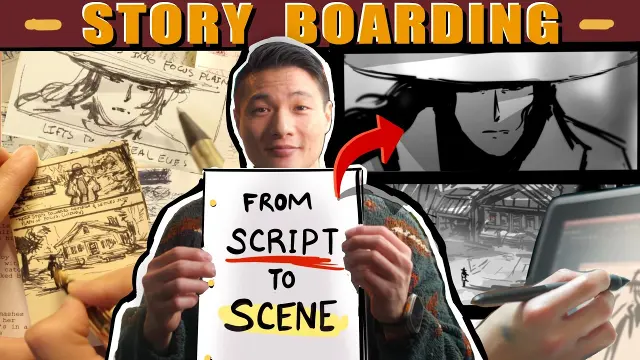
 The Step by Step Workflow of a Professional Storyboard Artist
#Storyboard
13 ideas
The Step by Step Workflow of a Professional Storyboard Artist
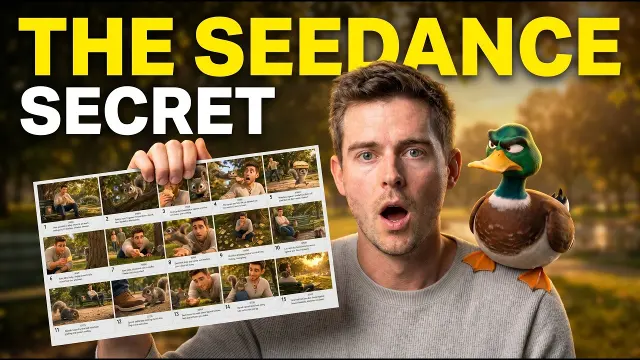 Turn Claude AI Storyboard Into a Full Video Fast
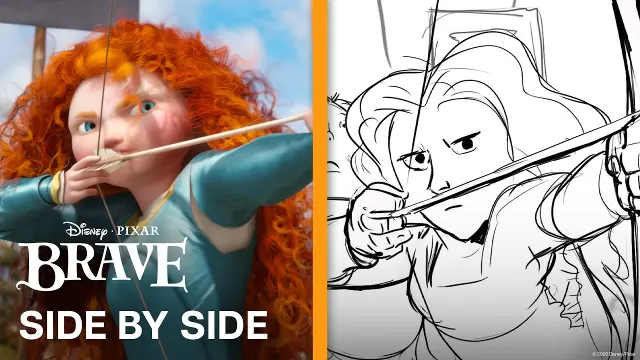 Brave Archery Competition Storyboard to Finals Comparison
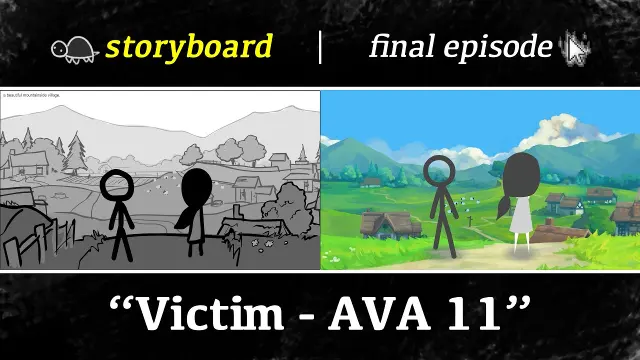 Animator vs Animation Storyboard Process and Breakdown
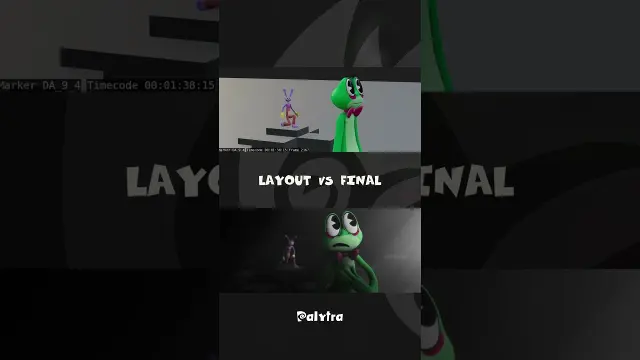 Animation Layout Versus Final Render Comparison
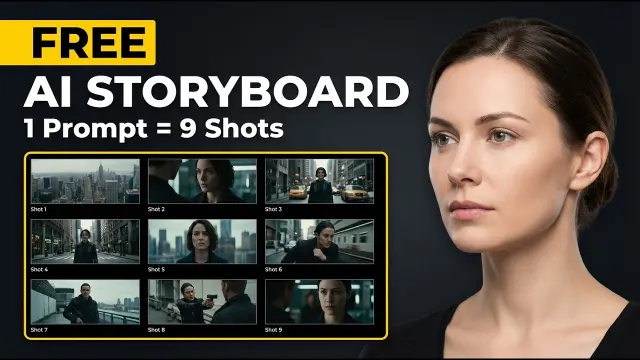 Create Cinematic Storyboards Using AI Step by Step
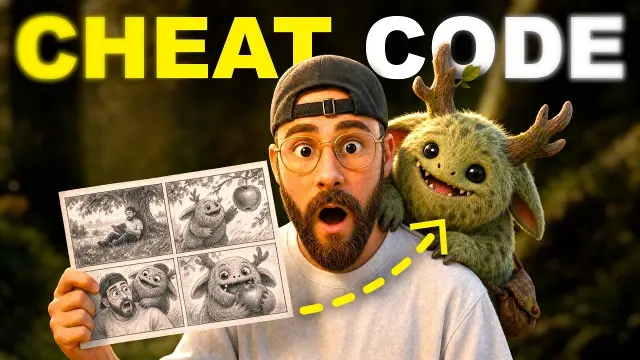 How to Turn a Storyboard into a Full AI Video
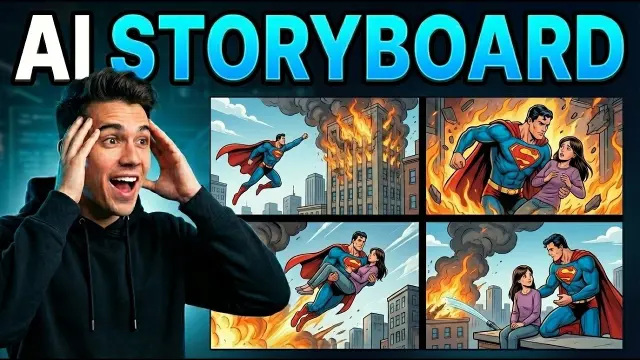 How to Make a Consistent AI Storyboard and Video
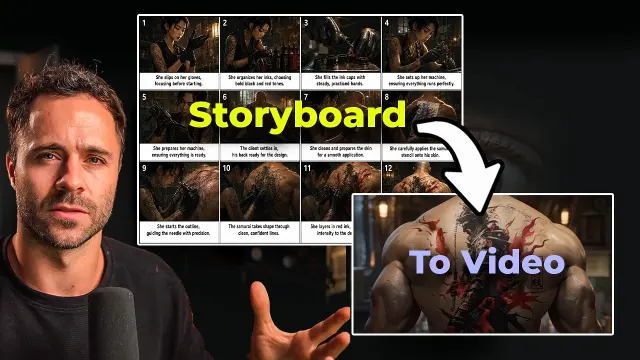 How to Turn a Storyboard into a Video Using AI
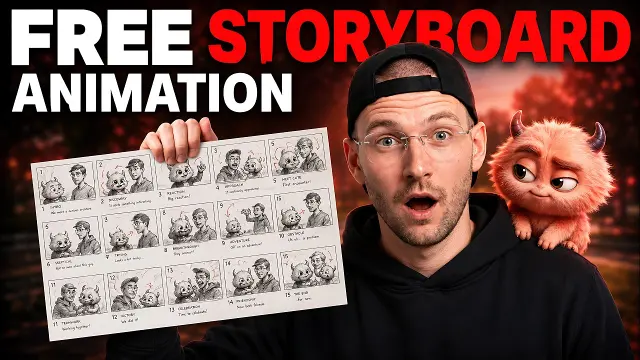 How to Turn Storyboards into Videos with Free AI Tools
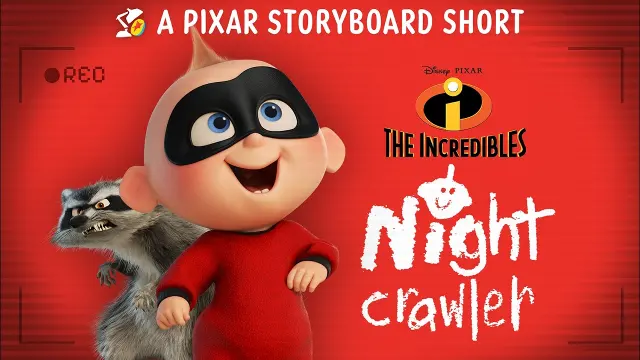 The Incredibles Storyboard Short: The Incredible Nightcrawler
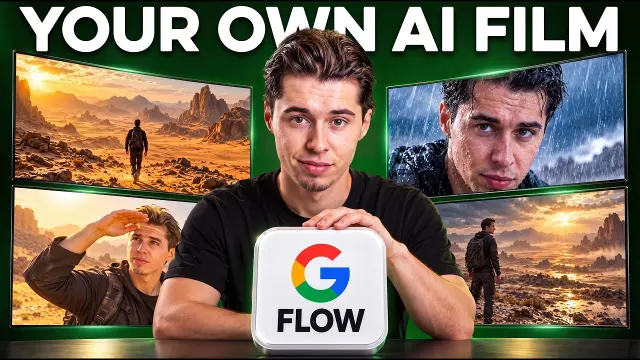 How to Storyboard Realistic AI Videos with Google Flow
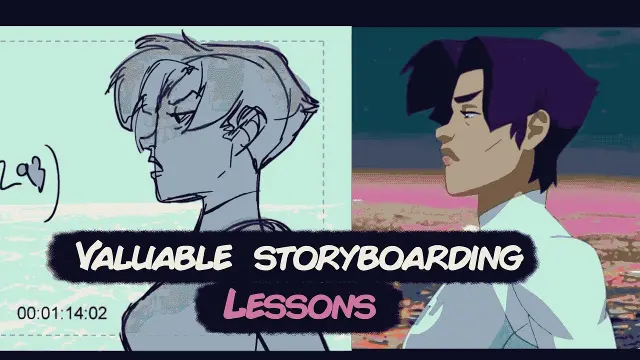 Valuable Lessons Learned Storyboarding on Invincible
Get new #Storyboard ideas by email
Every Thursday: the week's best ideas, with the newest from #Storyboard.
Related tags
Storyboarding Basics and Creative Uses
A storyboard is a visual plan for a story. It breaks a scene, sequence, or idea into a series of drawings, frames, or sketches that show what happens and in what order. Storyboards are used in film, animation, advertising, television, theatre, and video production, but the same method can also help plan presentations, photo shoots, events, and even crafts or home projects.
What a storyboard is for
At its core, a storyboard helps you think before you create. It makes a story easier to organise by showing the flow of action, the camera angle, the mood, and the timing. Instead of relying only on words, you can see how one moment leads to the next. This is useful when you want to check pacing, clarify movement, or spot problems early.
Storyboards can be very simple. A few stick figures and short notes may be enough. They can also be more detailed, with background, lighting, dialogue, and camera directions. The level of detail depends on the project and how much planning you need.
Read more
Common kinds of storyboards
Different projects call for different approaches:
- Thumbnail storyboards are quick, small sketches used to explore ideas fast.
- Presentation storyboards are cleaner and easier to show to others.
- Animatic storyboards add timing, sound, or motion to help test the rhythm of a sequence.
- Technical storyboards focus on camera moves, framing, and scene structure.
In animation, storyboards are often a crucial step between the script and the finished scene. In live-action work, they help directors, crews, and clients understand the plan before filming begins.
What to include
A useful storyboard usually shows:
- the main action in each frame
- the order of scenes
- camera framing, such as close-up or wide shot
- movement, if needed
- dialogue, sound cues, or simple notes
- the emotional tone of the scene
You do not need to draw well to make a storyboard. Clear communication matters more than artistic detail. Simple shapes, arrows, and labels are often enough.
Tips for beginners
If you are making your first storyboard, start with the most important moments. Ask yourself what the viewer needs to understand first, second, and third. Keep each frame focused on one idea, and avoid overcrowding the image.
It also helps to think in terms of action and change. What is happening in this frame, and how does it lead to the next one? If a sequence feels confusing, try reducing it to fewer steps. If it feels flat, consider changing the angle, distance, or timing to create more variety.
A storyboard is not meant to be perfect. It is a planning tool, so revision is part of the process. You can redraw frames, cut scenes, or rearrange the order until the story becomes clear.
Why storyboarding matters
Storyboarding saves time, improves communication, and gives shape to ideas before production begins. Whether you are making a short film, an animation, or a simple creative project, it helps you see the whole picture while keeping each step manageable.
#Storyboard: frequently asked questions
How do I start a storyboard for a project?
Begin by writing down the key moments of your story in the order a viewer needs to understand them, then sketch each moment as a small frame. Keep every frame focused on a single idea, and add short notes about action, framing, or sound beside the drawing. From there you can rearrange, add, or cut frames until the sequence reads clearly from start to finish.
Do I need to be good at drawing to make a storyboard?
No — a storyboard is a planning and communication tool, not an artwork. Stick figures, simple shapes, arrows, and labels are usually enough to show what happens and how the shot is framed. Clarity of intent matters far more than the polish of the sketch.
Which kind of storyboard should I choose?
Match the style to the purpose: quick thumbnail sketches are best for exploring ideas fast, cleaner presentation boards work when you need to show a plan to a client or team, and timed versions with sound help you test pacing and rhythm. If camera movement and framing are the main challenge, a more technical board with shot notes is the better fit. Detail should follow how much planning the project actually needs.
What mistakes do beginners usually make with storyboards?
The most common slip is overcrowding a frame with several actions at once, which makes the sequence hard to read. Another is drawing beautifully but leaving out the practical notes — framing, movement, sound, or mood — that the plan depends on. A flat or confusing sequence is often fixed simply by reducing the number of steps or varying the angle, distance, and timing.
How can I use a storyboard for a photo shoot, event, or craft project?
The same method works outside film: sketch the shots you want, the order of moments, and the overall feel before the day arrives. It lets you spot gaps early, brief anyone helping you, and keep the pacing of the final result in mind. Even a handful of rough frames can save a lot of improvisation later.
Can a storyboard be turned into a finished video?
Yes — that is exactly what a storyboard is for, since it becomes the reference for shooting, animating, or editing. Many creators now feed their board frames and timing notes into video-making tools to test a rough version before committing to full production. Treating the board as a living document, and revising it as the project develops, keeps the final result close to the original plan.
Videos come from YouTube and posts from Instagram; titles and summaries are our own. All rights belong to their creators.